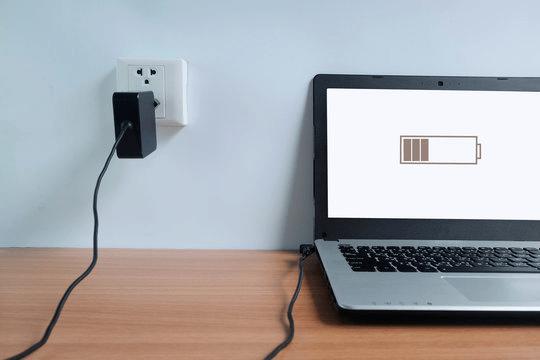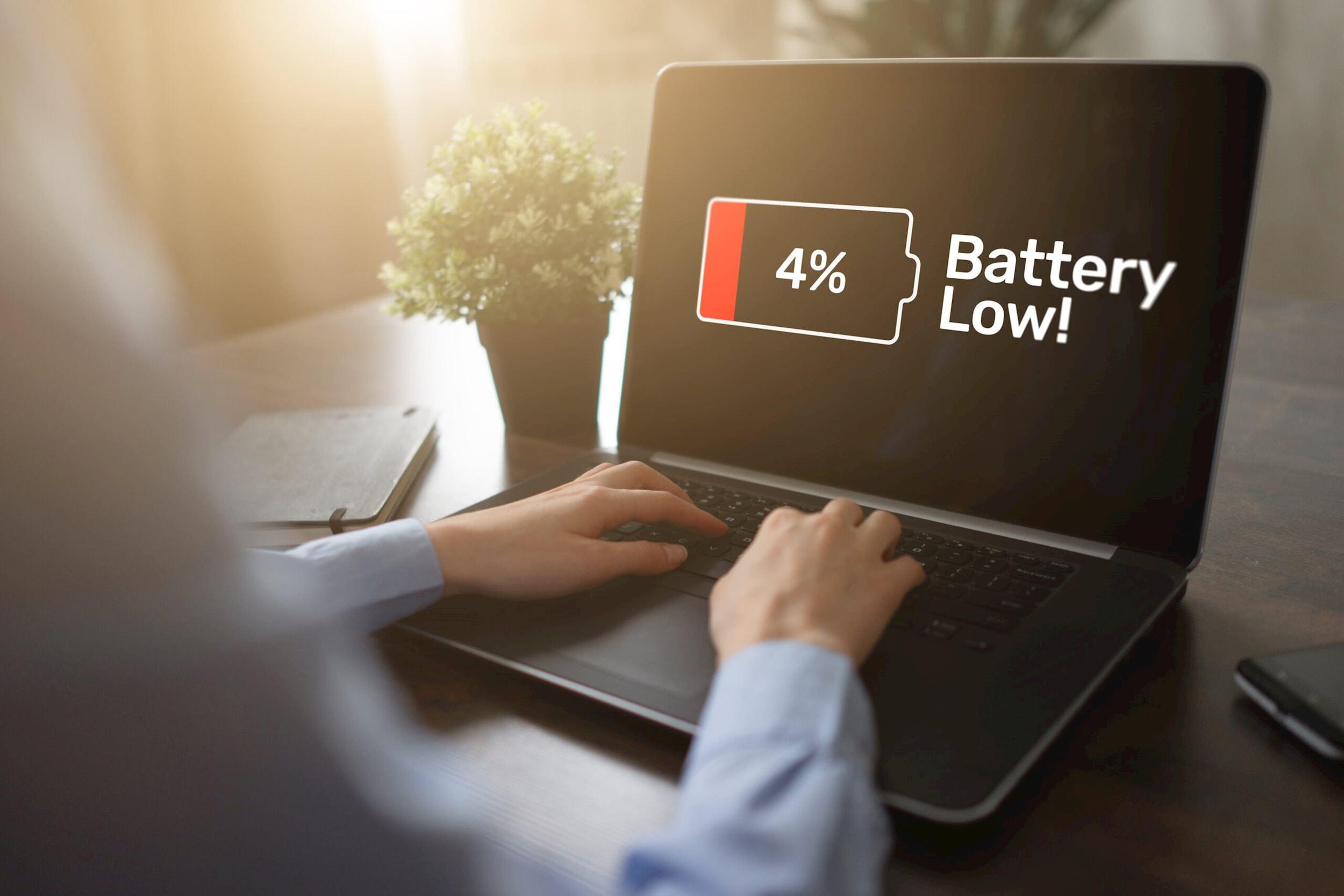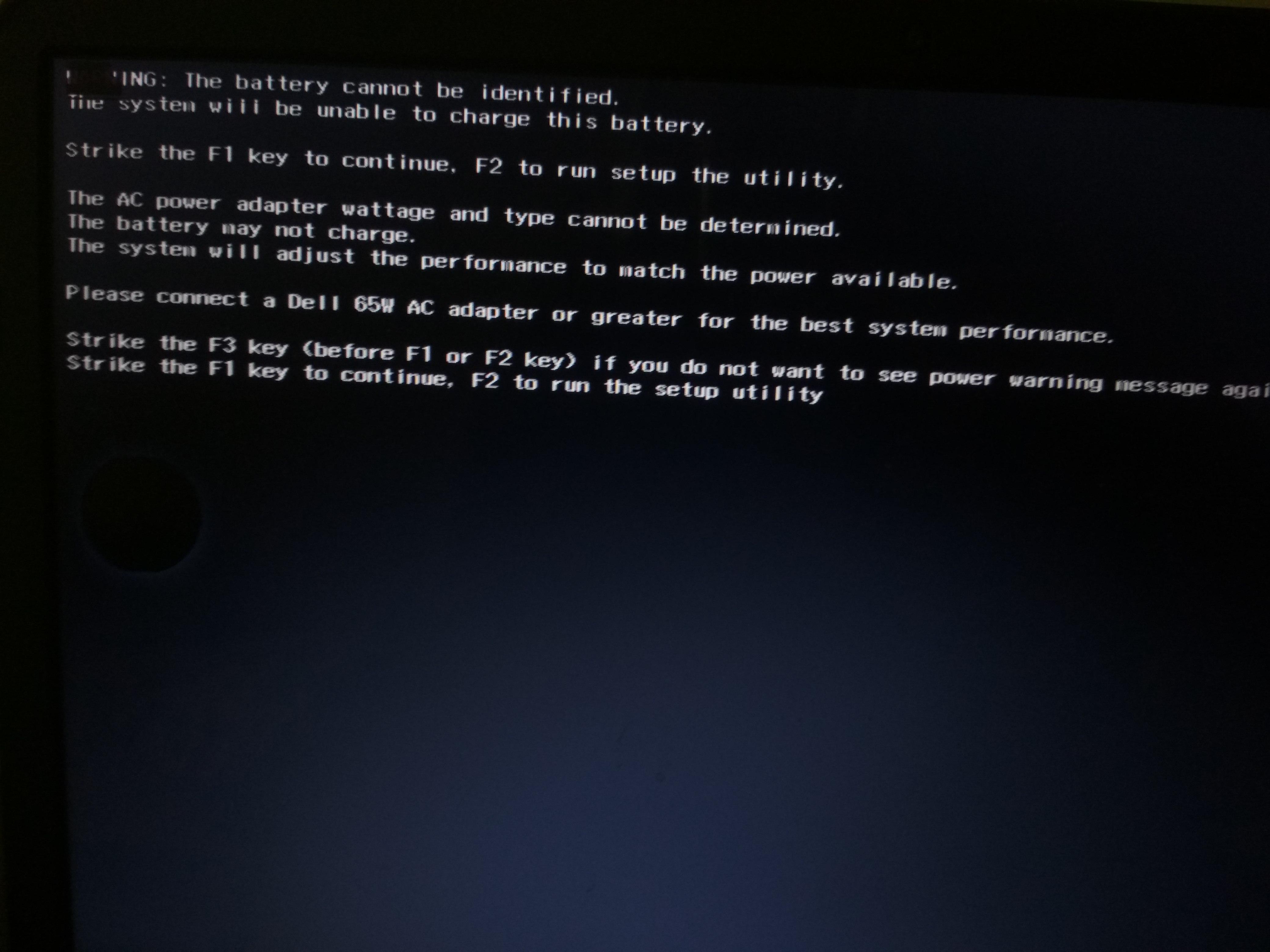
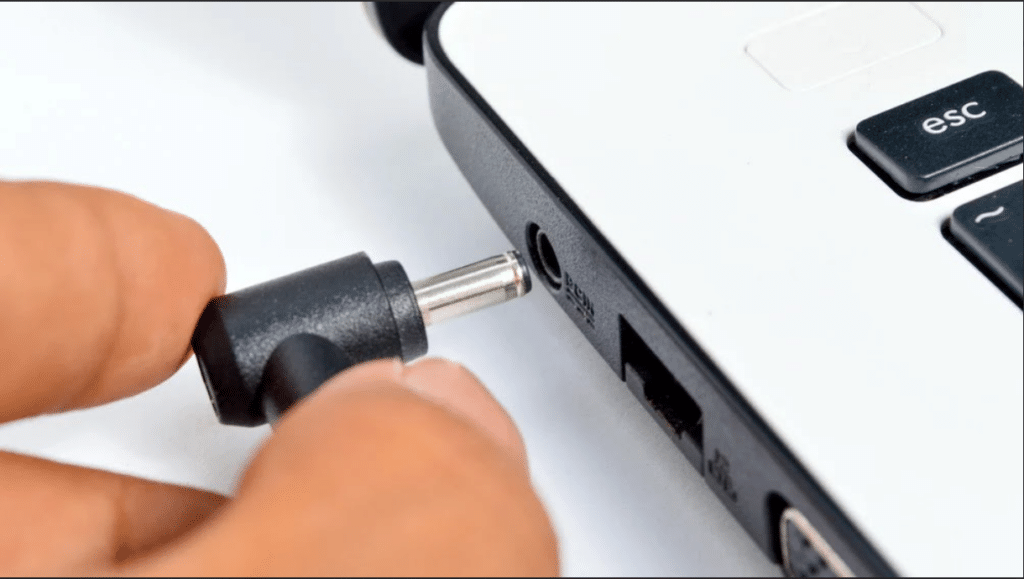
If your HP laptop shuts down immediately after unplugging the charger, the issue is usually related to battery failure, charging system problems, or motherboard power delivery faults.
Many users notice their HP laptop only works while plugged in after prolonged usage or battery degradation. In some cases, the laptop may show the charging icon but still turn off instantly once the charger is removed. Others may notice the battery percentage stuck at 0% or fluctuating abnormally.
This problem usually develops gradually and is commonly linked to battery wear, charging instability, battery communication issues, or motherboard-level power delivery problems.
Common Signs Your HP Laptop Only Works While Plugged In
Battery-related power issues can appear in several different ways depending on the failed component.
Some of the most common symptoms include:
a.Laptop shuts down instantly after unplugging the charger
b. Battery percentage stuck at 0% or 1%
c. HP laptop plugged in but battery not charging
d. Battery percentage fluctuating abnormally
e. Laptop only turns on when charger is connected
f. Windows showing “Battery Not Detected”
g. Sudden shutdowns despite remaining battery percentage
h. Charging light blinking but battery not increasing
Why Does My HP Laptop Only Work When Plugged In?
There are several possible reasons why an HP laptop may stop working properly without the charger connected.
1. Battery Health Degradation
Battery degradation is one of the most common causes behind this issue.
Laptop batteries naturally lose capacity over time due to repeated charging cycles. As battery health declines, the battery may no longer store or deliver power efficiently.
In severe cases, the battery may fail completely and the laptop will only operate while connected to external power.
2. Dead or Degraded Battery Cells

Inside every laptop battery are lithium-ion cells responsible for storing energy. Over time, some cells may weaken or fail entirely.
When this happens, the battery may:
a.Lose charge rapidly
b. Fail to hold power
c. Overheat during usage
d. Shut down unexpectedly
e. Stop powering the laptop completely
This is especially common in older laptops with heavy daily usage.
3. Battery Not Detected by Windows

Sometimes the battery itself is functional, but Windows fails to communicate with it properly.
This may happen due to:
a.Corrupted battery drivers
b. BIOS communication errors
c. Software-related power management issues
d. Windows update conflicts
In such situations, the laptop may incorrectly behave as though no battery is installed.
4. Faulty Charging Circuit or Motherboard Issues
In some cases, the issue may not be caused by the battery itself.
Modern HP laptops rely on motherboard charging circuits and power delivery components to regulate battery communication and power flow. If these components fail, the battery may stop charging properly or fail to provide stable power.
Motherboard-related issues are more likely if the laptop has experienced:
a. Overheating
b. Liquid damage
c. Electrical surges
d. Charging port damage
5. Loose Internal Battery Connection
On some HP laptops, a loose internal battery connector may interrupt communication between the battery and motherboard.
This can cause:
a.Sudden shutdowns
b. Unstable battery readings
c. Charging inconsistencies
d. Battery detection failures
6. BIOS or Firmware Problems
The BIOS controls hardware-level communication between the charger, battery, and motherboard.
Outdated or corrupted BIOS firmware can sometimes cause:
a.Battery detection issues
b. Unstable charging behavior
c. Incorrect battery readings
d. Power management instability
Updating the BIOS may help resolve certain battery communication problems.
How to Fix an HP Laptop That Only Works While Plugged In
Before replacing the battery, there are several troubleshooting steps you can try safely.
1. Check Battery Status in Windows
Open battery settings and check whether Windows detects the battery correctly.
Warnings such as:
a.“Battery Not Detected”
b. “Consider Replacing Your Battery”
c. Abnormal battery percentages
d. Charging stuck at 0%
May indicate battery health problems.
2. Reinstall Battery Drivers
Battery driver communication problems can sometimes prevent proper battery detection.
Steps:
a.Open Device Manager
b. Expand the “Batteries” section
c. Uninstall:
i. Microsoft AC Adapter
ii. Microsoft ACPI-Compliant Control Method Battery
d. Restart the laptop
Windows will automatically reinstall the battery drivers during reboot.
3. Run HP Battery Diagnostic
HP laptops include built-in hardware diagnostics for checking battery health.
Steps:
a.Shut down the laptop completely
b. Turn it back on and repeatedly press the Esc key
c. Press F2 to open HP Hardware Diagnostics
d. Open Component Tests and select Battery
e. Start the battery test
f. Review the battery health results
g. Check for warnings like:
i. Replace Battery
ii. Weak Battery
iii. Battery Failure
If the battery fails the test, replacement may be necessary.
4. Perform a Hard Reset
Residual electrical charge can sometimes interfere with hardware communication.
To perform a hard reset:
a. Shut down the laptop
b. Disconnect the charger
c. Hold the power button for 15–20 seconds
d. Reconnect the charger
e. Turn the laptop back on
5. Update Battery Drivers
Updating the battery drivers may improve battery communication and power management stability.
Steps:
a.Right-click the Start Menu and open Device Manager
b. Expand the Batteries section
c. Right-click Microsoft AC Adapter and select Update Driver
d. Select “Search Automatically for Drivers”
e. Repeat the same process for Microsoft ACPI-Compliant Control Method Battery
f. Restart the laptop after updating
g. Reconnect the charger and check charging behavior
h. If the issue continues, uninstall both battery drivers
i. Restart the laptop again so Windows automatically reinstalls them
6. Check HP Laptop Battery Health
Battery health testing can determine whether the battery is still capable of holding charge properly.
You can check battery health using HP Hardware Diagnostics.
Steps:
a.Turn off the laptop completely
b. Turn it back on and repeatedly press the Esc key
c. Press F2 to open Diagnostics
d. Open Battery Test under Component Tests
e. Start the battery health test
f. Review the battery condition results carefully
When Does the Battery Need Replacement?
If your HP laptop only works when plugged in even after reinstalling drivers and running diagnostics, the battery itself may no longer function properly.
Laptop batteries naturally wear out over time, especially after years of charging cycles and prolonged heat exposure.
Common signs that the battery may need replacement include:
a.Laptop shutting down instantly after unplugging
b. Battery percentage stuck at 0%
c. Extremely poor battery backup
d. Battery overheating
e. Battery swelling
f. Failed battery diagnostics
g. Laptop only functioning while connected to the charger
In many cases, the issue gradually worsens before the battery completely stops holding charge.
How Battery Power Issues Are Diagnosed at IndiRepair
At IndiRepair, we diagnose HP laptop battery and power issues by checking the battery health, charging system, charging port, and motherboard power delivery circuit step by step.
Our technicians first test whether the battery is holding charge properly and whether the laptop can maintain stable power without the charger connected. We also inspect battery health data, charging stability, and system power behavior.
If the battery appears healthy, we then inspect the charging circuit, charging port, motherboard charging IC, and internal power management components responsible for battery communication and charging regulation.
This helps us accurately identify whether the issue is caused by battery failure, charging instability, motherboard faults, or power delivery issues before recommending the appropriate repair solution.
Frequently Asked Questions
Q.Why does my HP laptop only work when plugged in?
A. Your HP laptop may only work when plugged in due to battery failure, degraded battery cells, charging circuit faults, or motherboard power delivery issues. In many cases, the battery can no longer hold charge properly.
Q.Does this mean my HP laptop battery is dead?
A. In many situations, yes. If the laptop shuts down immediately after unplugging the charger, the battery may be severely degraded or completely failed.
Q.Can I use my HP laptop without a battery?
A. Yes, many HP laptops can run directly on charger power without a battery installed. However, performance and stability may vary depending on the laptop model and charger condition.
Q.Why does my HP laptop shut down after unplugging the charger?
A. This usually happens when the battery cannot provide stable power to the laptop. Battery degradation, charging problems, or motherboard faults may cause sudden shutdowns.
Q.Can motherboard problems cause battery issues?
A. Yes. Faulty charging ICs, damaged power circuits, or motherboard communication problems can prevent the battery from charging or powering the laptop properly.
Q.How do I know if my HP laptop battery needs replacement?
A. Your HP laptop battery may need replacement if it drains instantly, overheats, swells, fails diagnostics, or the laptop only works while plugged in.
Conclusion
If your HP laptop only works when plugged in, the issue is commonly related to battery degradation, charging instability, or motherboard power delivery problems.
In many situations, the battery may no longer be capable of holding or supplying stable power properly.
Understanding why your HP laptop depends completely on the charger is important because these issues often worsen gradually over time. Proper diagnosis can help determine whether the problem requires battery replacement, charging repair, or motherboard-level repair.
Written by Khan Rahil, Diploma Holder in Computer Hardware and Senior Technician at IndiRepair, with over 5 years of hands-on experience in laptop repairs and hundreds of HP battery replacements, specializing in gaming laptop power systems and compatibility verification.