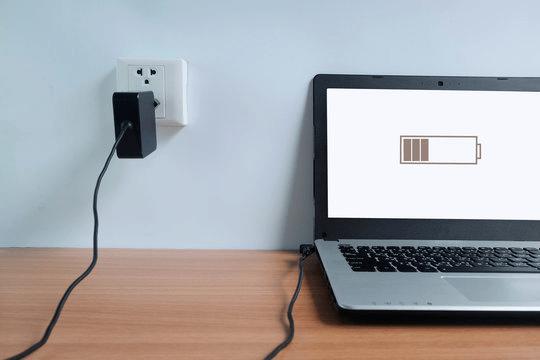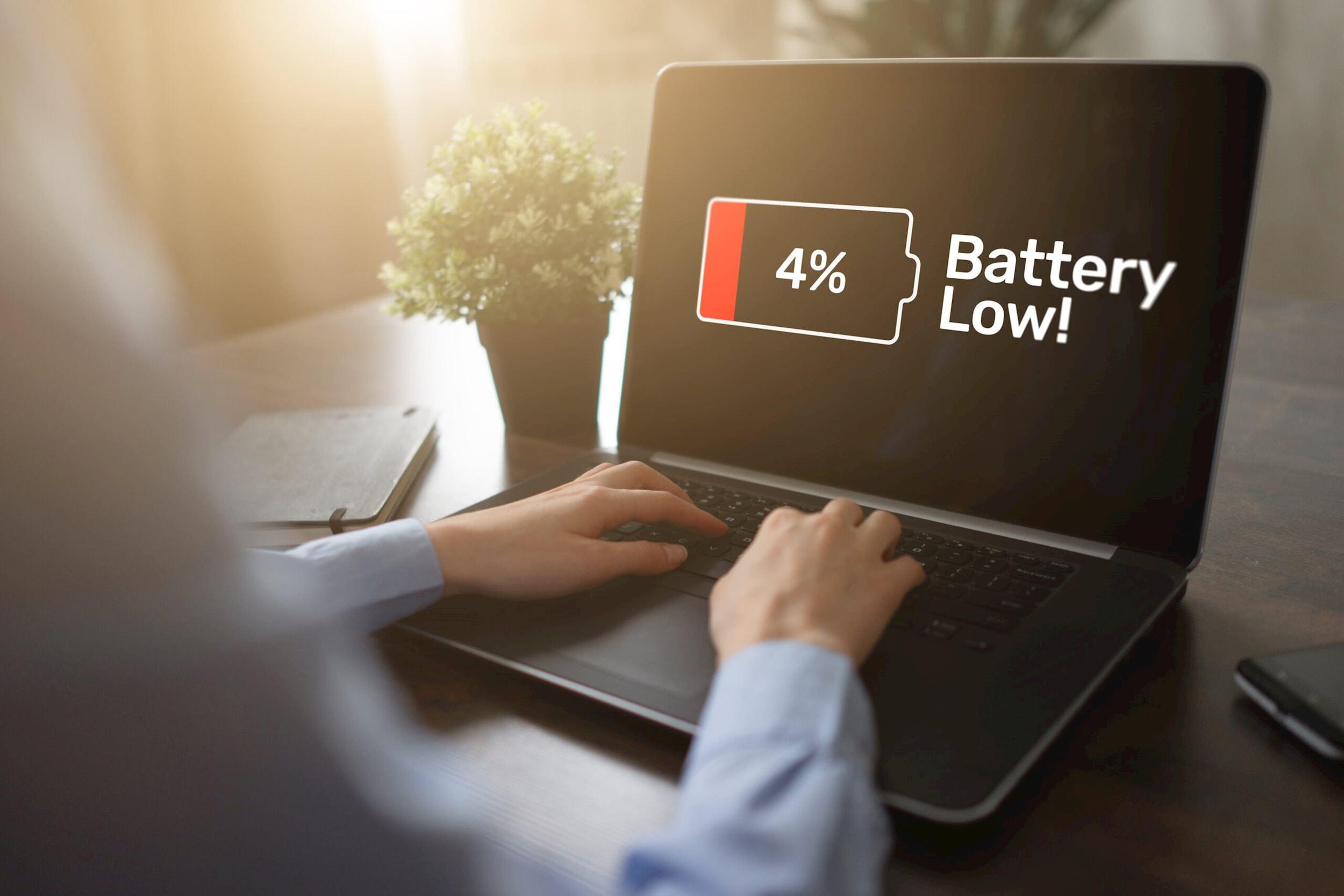
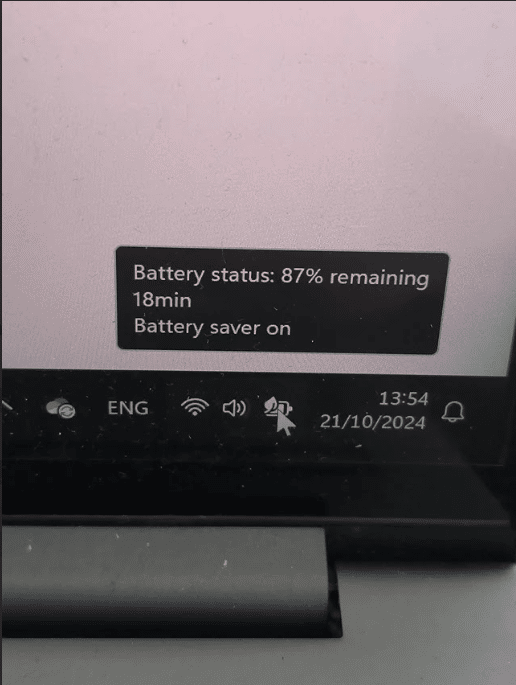
If your HP laptop battery drains even during normal usage , the issue may be related to battery health degradation , background power consumption , overheating , software activity or aging battery cells
Many users notice their laptop battery is draining fast on HP devices after prolonged daily usage or software updates . In some cases , the battery percentage drops unusually fast even while performing basic tasks like browsing or watching videos. Others may notice the laptop shutting down much earlier than expected despite showing remaining battery percentage
At IndiRepair, fast battery drain is one of the most common HP laptop issues we diagnose, especially in older Pavilion, ProBook, and gaming series laptops. In many situations, users assume the battery itself has failed, but the actual issue may involve overheating, excessive background power usage, charging instability, or motherboard-level power delivery problems. Proper diagnosis is important because battery drain problems can have multiple underlying causes
Why is my HP laptop battery draining fast
Your HP laptop battery may drain quickly due to battery health degradation, overheating, excessive background applications, high screen brightness, outdated drivers, or heavy power consumption. Checking battery health and reducing unnecessary system load can often improve battery backup significantly.
1. Battery Health Degradation
Laptop batteries naturally lose capacity over time .
Most lithium-ion batteries begin degrading after repeated charging cycles , which reduces their ability to hold charge efficiently. Battery degradation usually becomes more noticeable after 2–5 years of regular usage depending on charging habits, heat exposure, charging cycles, and workload intensity. High temperatures can accelerate lithium-ion battery wear significantly over time.
If your HP laptop battery draining fast issue has gradually worsened over time, battery degradation may be the main reason .
Background Apps and Startup Programs

Applications running in the background continue consuming system resources even when not actively in use .
Programs such as :
- Browser with multiple tabs
- Video conferencing apps
- Cloud sync software
- Antivirus scans
- Startup applications
Can increase power consumption significantly . This is one of the most common reasons why laptop batteries drain fast on HP laptops even when performing basic tasks.
3. High Screen Brightness
Display brightness has a major impact on battery life. Higher brightness levels consume more power continuously and can reduce overall battery backup significantly.
Reducing screen brightness is one of the easiest ways to improve battery efficiency during regular usage
4.Outdated Drivers or BIOS
Outdated power management drivers or BIOS firmware may affect how efficiently the laptop manages battery usage .
Driver issues can sometimes cause abnormal CPU activity, inefficient power management or excessive background battery consumption. Keeping system drivers updated can help improve battery performance .
5. Power - Hungry Applications
Gaming, video editing, rendering software, and multitasking consume significantly more power compared to normal usage.
This is normal behaviour during heavy workloads.
6. Battery Calibration issues
Sometimes the battery percentage displayed by windows may become inaccurate. This can cause sudden drops in battery percentage, unexpected shutdowns or incorrect battery readings. Battery calibration can help improve percentage accuracy in some situations.
Battery calibration does not improve actual battery health, but it can help Windows display battery percentage more accurately after prolonged usage or irregular charging patterns.
How to fix fast battery drain on an HP Laptop
There are several ways to improve battery backup and reduce excessive battery drain on HP laptops .
1. Reduce screen brightness
Lowering display brightness is one of the easiest ways to reduce battery consumption and improve backup time .
2.Close Background Applications
Shutting down unnecessary application and browser tabs can significantly reduce battery usage.
You can also disable unnecessary startup programs through Task Manager.
3. Enable Battery Saver Mode
Battery saver mode reduces background activity and helps improve overall battery efficiency .
Steps :
- Click on the start menu and open settings
- Go to the system and select power and battery .
- Under the battery section , find battery saver.
- Click on turn on now to enable battery saver mode manually .
- You can also set battery saver mode manually .
- Reduce screen brightness if prompted for better battery backup .
- Close unnecessary background applications while battery saver is enabled.
- Disconnect unused external devices like USB drivers or accessories .
- Keep battery saver enabled when using the laptop unplugged for long periods .
- Once charging is connected to again, the battery saver will automatically turn off in most cases
4. Keep the laptop cool
Proper airflow is important for maintaining battery efficiency. Avoid using the laptop on soft surfaces that block ventilation and clean dust buildup regularly improve cooling performance.
We commonly observe excessive battery drain in laptops with heavily dust-clogged cooling systems where internal temperatures remain consistently high during normal usage.
5.Update battery drivers
Outdated drivers can sometimes affect charging behaviour .
Steps :
- Right-click on start menu and open device manager
- Expand the batteries section from the list .
- Right- click on Microsoft AC Adapter and click Update Driver .
- Select Search automatically for drivers .
- Repeat the same process for Microsoft ACPI – Compliant control method battery .
- Once the update is complete , restart the laptop .
- If the issue continues , go back to the device manager .
- Right – click both battery drivers again and select the uninstall device .
- Restart the laptop once more so windows automatically reinstalls the battery drivers .
6. Check Battery Health
HP laptops include built – in battery diagnostics that can help identify battery wear or charging problems .
Steps :
- Shut down your HP laptop completely
- Connect the charger to the laptop .
- Turn on the laptop and immediately press the Esc key repeatedly .
- From the startup menu , press F2 to open HP hardware diagnostics.
- Select Component Tests from the menu .
- Click on Power and then select battery .
- Review the battery health results shown on the screen .
- Check for warnings like “ Replace Battery “ , “Weak Battery” or “ Battery Failure “
- If the battery test fails , the battery may need calibration , or replacement .
When Does Fast Battery Drain Mean Battery Replacement
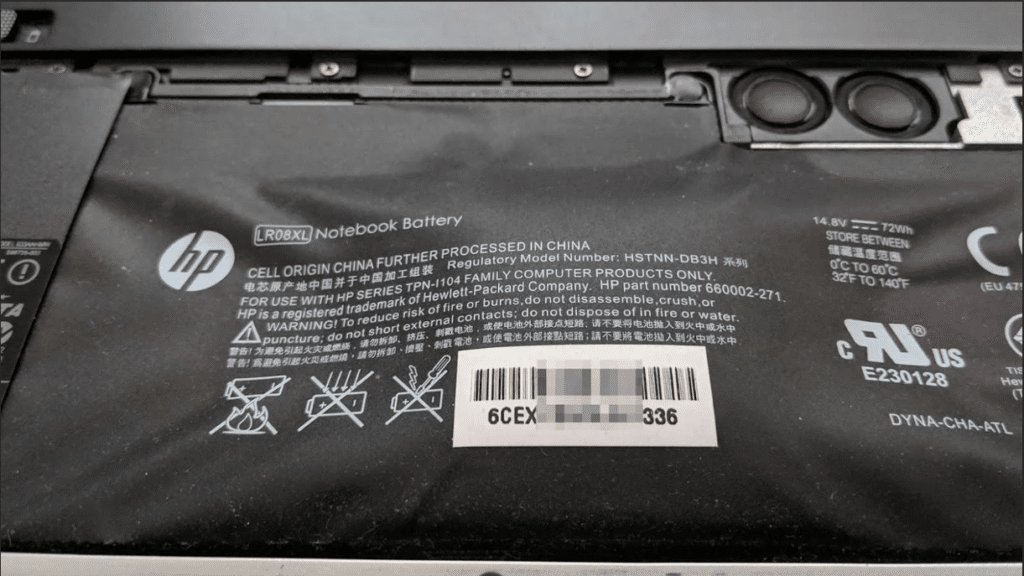
If your HP laptop battery drains quickly even after reducing background usage , updating drive and optimizing power settings , the battery itself may be degrading .
Laptop batteries naturally lose capacity over time , especially after years of daily charging cycles. In many cases , fast battery drain gradually becomes worse before the battery eventually stops holding charge properly .
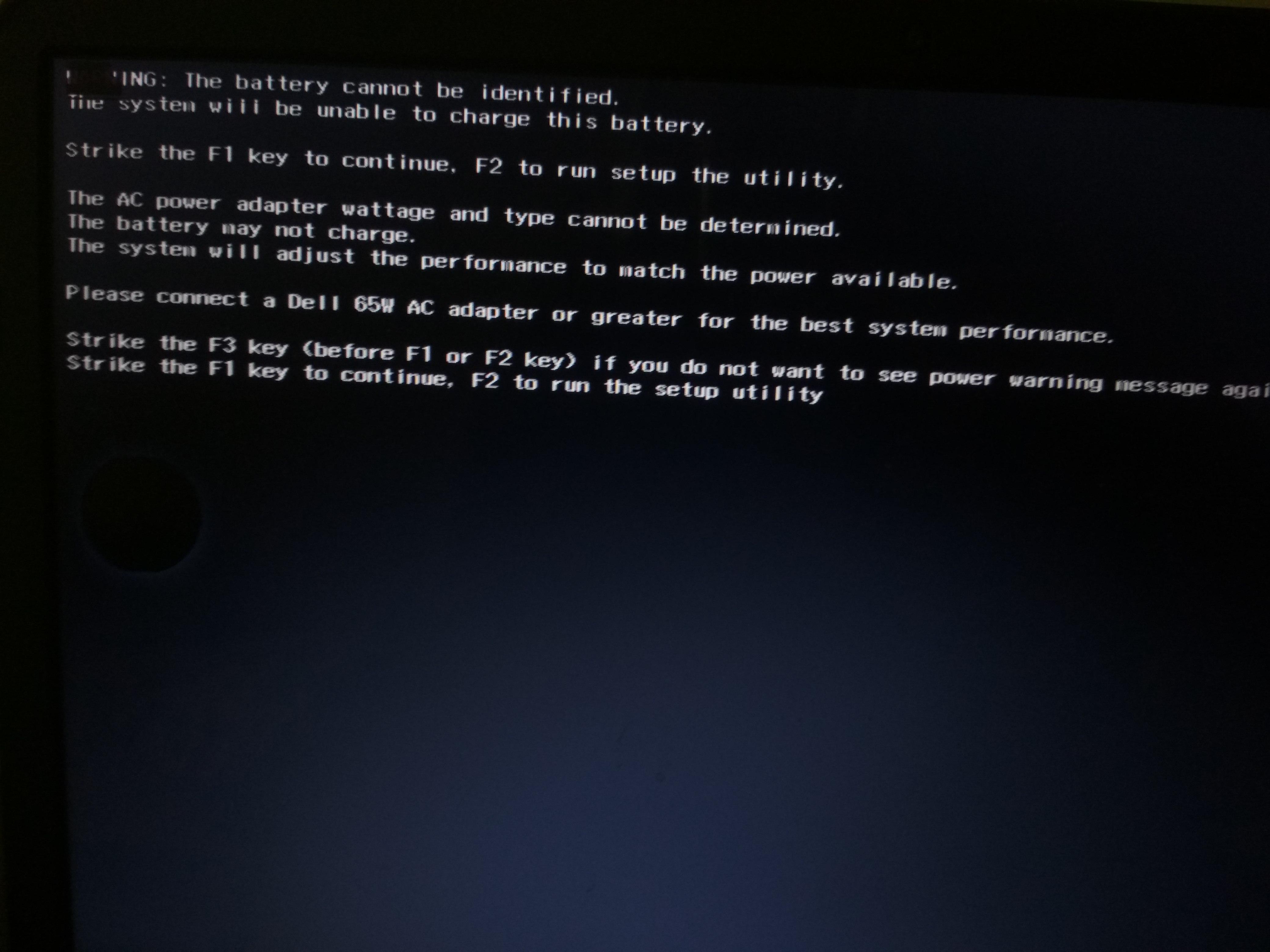
Common signs of severe battery wear include overheating, sudden shutdowns, battery swelling, incorrect battery percentage readings, or the laptop only working properly while connected to the charger.
How battery drains issues are diagnosed at IndiRepair
At IndiRepair , battery drains issues are diagnosed by checking the battery health, system power consumption, cooling performance, and motherboard power delivery system step by step. Our technicians first analyze whether the battery is holding charge properly and whether excessive background power consumption or overheating is affecting battery performance.
If the battery health appears poor, we perform additional checks to identify whether the issue is caused by battery degradation, thermal stress, charging instability, or motherboard-level power issues. This helps us accurately identify the root cause before recommending the right repair or battery replacement solution.
Proper diagnosis is important because replacing the battery alone may not solve the issue if overheating, motherboard power delivery instability, or excessive system power consumption is also involved.
Frequently Asked Questions
Q.Why does my HP laptop battery drain so fast ?
A. Your HP laptop battery may drain fast due to battery health degradation , overheating , high screen brightness , background apps , or excessive power consumption . Aging batteries also lose their ability to hold charge efficiently over time.
Q. Can overheating reduce battery life on HP laptops ?
A. Yes , overheating can save HP laptops battery life significantly . Excess heat increases battery wear , reduces charging efficiently , and can cause faster battery during normal usage .
Q. How do I improve battery backup on my HP laptop ?
A. You can improve HP laptop battery backup by reducing screen brightness , closing unnecessary background apps , enabling battery saver mode , updating drivers , and keeping the laptop cool during usage .
Q. How long does an HP laptop battery usually last ?
A. Most HP laptop batteries last between 2 to 5 years depending on charging habits , usage patterns , heat exposure , and overall battery health
Q.Can a bad battery cause sudden shutdowns ?
A. Yes , a failing HP laptop battery can cause sudden shutdowns even when battery percentage is still visible . This usually happens when the battery can no longer deliver stable power properly.
Q. Is fast battery drain always caused by a bad battery ?
A. No , fast battery drain on an HP laptop can also be caused by overheating , background applications , outdated drivers , high power usage , or software – related issues .
Conclusion
If your HP laptop battery is draining fast , the issue may be related to battery health degradation, overheating , excessive background activity , or inefficient power management . In many cases , identifying the cause early can help improve battery backup and prevent further battery damage.
Understanding why your HP laptop battery drains quickly is important because battery performance problems often worsen gradually over time . Proper diagnosis can help determine whether the issue requires software optimization , battery calibration , or battery replacement .
Written by Khan Rahil, Diploma Holder in Computer Hardware and Senior Technician at IndiRepair, with over 5 years of hands-on experience in laptop repairs and hundreds of HP battery replacements, specializing in gaming laptop power systems and compatibility verification.