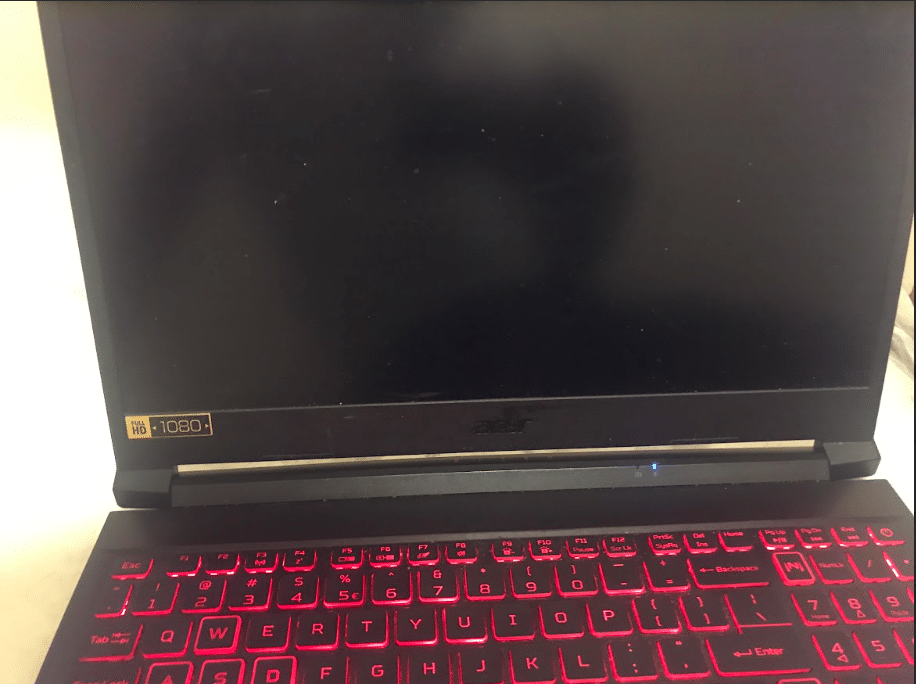
If your Acer laptop won’t turn on, it can feel like the device has completely failed, especially when there’s no clear reason why. In some cases, the laptop may show no lights or response at all, while in others, it might power on partially but fail to boot properly.
From real repair experience, this issue is rarely “random.”. It’s usually caused by something specific – like a power issue, battery failure, or an internal hardware fault. The key is identifying what exactly is happening before jumping to conclusions.
The good news is that some cases can be resolved with simple troubleshooting, while others require repair – but following the right steps can help you quickly figure out which one you’re dealing with.
Why Your Acer Laptop Is Not Turning on
1. Power Delivery Issue

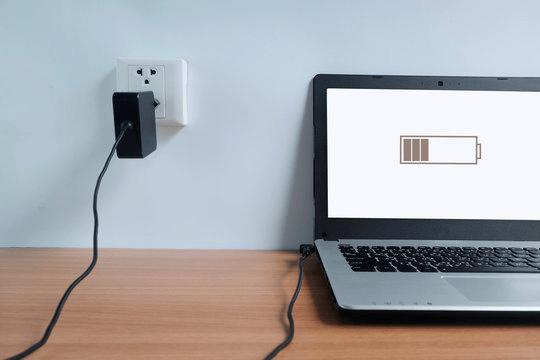
If your Acer laptop shows no signs of life at all – no lights, no fan – it’s usually not getting power in the first place. This can happen due to a faulty charger, damaged charging port, or an internal power circuit issue.
In our repair experience, many laptops that appear completely dead are actually facing power delivery issues rather than total hardware failure.
2.Battery Problem
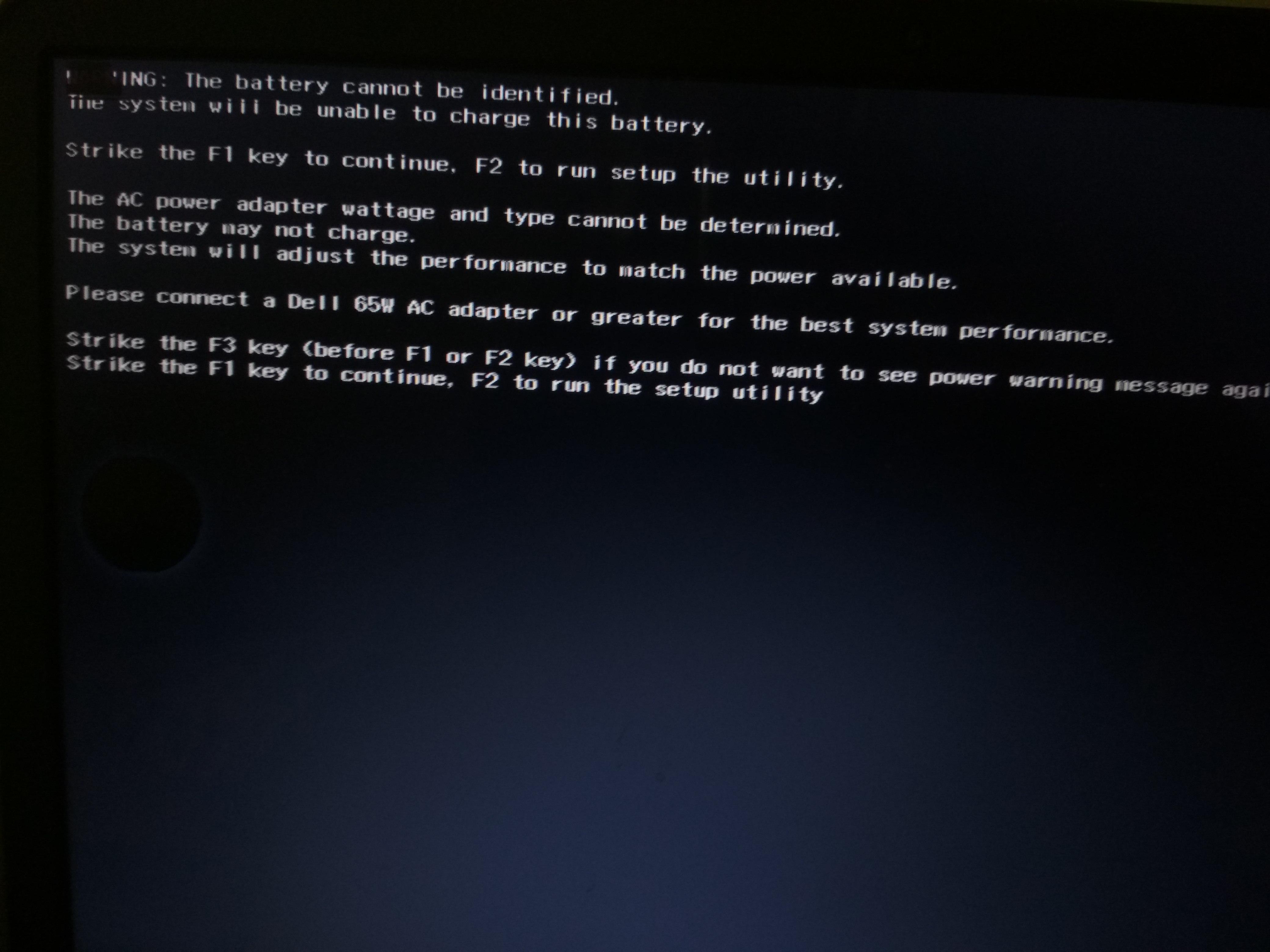
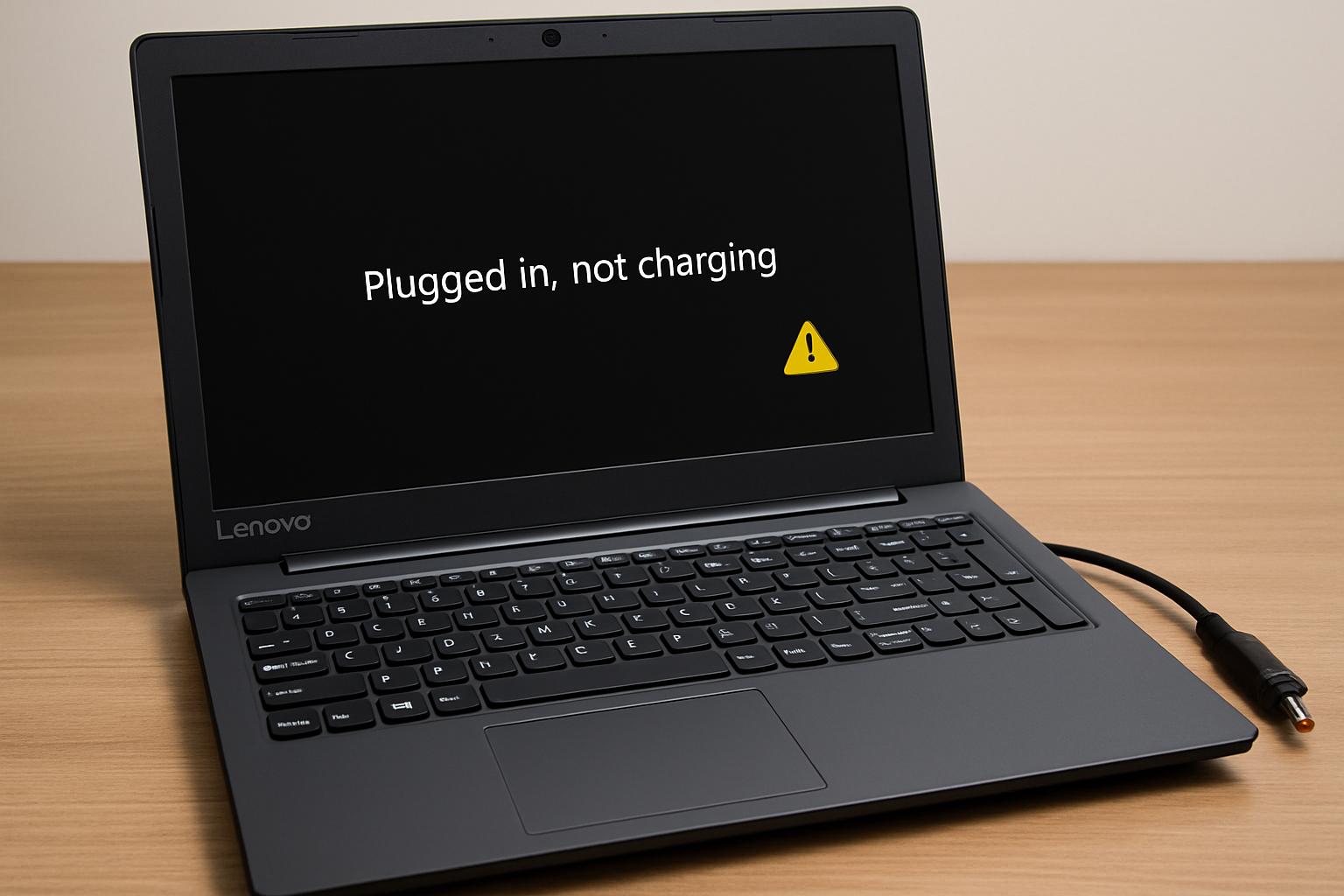
A failing battery can sometimes prevent the laptop from turning on, even when the charger is connected. You might notice the charging light is on, but pressing the power button does nothing or the laptop shuts off instantly.
3. RAM/ Boot Issue
If the laptop powers on (lights or fan), but nothing shows on the screen, the system may not be completing its startup process. This often happens when the RAM is loose, faulty, or not detected properly.
We often see this in laptops that were recently moved, dropped, or opened, where the RAM becomes slightly loose and prevents proper startup.
4. Motherboard Issue
If the laptop shows inconsistent behavior – like random shutdowns or no response even after basic checks – the issue could be with the motherboard. This is less common but more serious, as it affects the core functioning of the device
Motherboard-related problems often affect multiple components at once, which is why symptoms may seem inconsistent or difficult to diagnose without proper testing.
Step-by-Step Troubleshooting for Acer Laptop Not Turning On
A laptop powers on through a sequence — power flows from the charger or battery, the motherboard distributes it, RAM initializes the system, and the display shows output. A failure at any stage can prevent the laptop from turning on.
Follow these steps in order. Each step is designed to either fix the issue or narrow down the cause.
Step 1: Perform a Hard Power Reset
This clears residual power stuck in the system.
Steps:
1. Disconnect the charger
2. If the battery is removable, remove it.
3. Press and hold the power button for 20-30 seconds
4. Reconnect charger (keep the battery out if removable)
5. Try turning it on
This step alone fixes many dead laptop cases caused by power glitches.
Step 2: Check Charger and Power Source
Power issues are more common than most users think.
What to check:
a. Try a different wall socket
b. Check if charger LED is on (if applicable)
c. Look for loose or damaged charging cable
Advanced check:
a. If possible, test with a compatible Acer charger.
If the charger isn’t supplying power, the laptop won’t respond at all.
Step 3: Look for Charging Indicators
Plug in the charger and observe:
a. No charging light?
→ Charger, charging port, or motherboard issue.
b. Charging light is on but laptop won’t start
→ Battery or internal hardware issue.
This gives a strong hint about where the problem lies.
Step 4: Try Turning on Without Battery (If Removable)
A faulty battery can block the laptop from powering on.
Steps:
a. Remove battery
b. Connect charger
c. Try turning on
Result:
a. Laptop turns on → Battery is faulty
b. Still no response → Move to next step
Step 5: Check for Display Issue
Sometimes the laptop is ON, but the screen is not working.
What to do:
a. Turn on the laptop
b. Listen for fan or keyboard lights.
c. Connect to external monitor via HDMI
Results:
a. External Display works → Screen issue
b. No display anywhere → Internal hardware issue
Step 6: Reseat RAM

Loose RAM is a common reason for no boot.
Steps:
a. Open back panel
b. Remove RAM stick
c. Clean gently and reinsert properly
d. Try turning on
If RAM was loose, this can bring the laptop back to life.
How to Know If Your Acer Laptop Needs Repair
After going through basic troubleshooting, there are certain signs that clearly indicate the issue isn’t something you can fix at home.
If your laptop shows no response at all even after a power reset, or there’s no charging light when plugged in, it usually points to a deeper power-related problem. Similarly, if the laptop turns on, shuts off repeatedly, or there’s no display even on an external monitor, the issue is likely internal.
In most cases, these symptoms indicate fault in components like the charging circuit, motherboard, or other internal hardware. At this stage, trying more random fixes usually doesn’t help – instead, a proper diagnosis is needed to identify and resolve the exact problem.
Why Choose IndiRepair for Acer Laptop Not Turning On Issues
An Acer laptop that refuses to turn on can be caused by several underlying issues, including motherboard faults, charging circuit failure, battery problems, RAM issues, power supply damage, overheating, or internal hardware malfunction. In some cases, the laptop may show charging indicators or fan movement without actually booting, making proper diagnosis extremely important before attempting any repair.
At IndiRepair, every Acer laptop undergoes a detailed diagnostic process to identify the exact cause of the startup failure rather than relying on trial-and-error repairs. The inspection includes checking the charger, battery health, power IC, motherboard circuitry, RAM, display output, and internal connections to ensure the root issue is accurately detected.
For repairs and component replacements, only tested and compatible parts are used that match the laptop’s original specifications. Whether the issue is related to a damaged motherboard, faulty charging port, dead battery, or power management failure, the focus is on restoring stable and reliable laptop performance.
Particular attention is given to preventing recurring power issues after repair by thoroughly testing the device under different usage conditions before delivery. This helps ensure long-term reliability instead of temporary fixes.
With transparent communication, quick turnaround times, and pickup and drop support, IndiRepair aims to provide a smooth and dependable repair experience for Acer laptop users facing startup and power-related issues.
FAQs About Acer Laptop Won’t Turn on
Q.Why is my Acer laptop not turning on at all?
A. If there’s absolutely no response – no lights, no fan – it usually means the laptop isn’t getting power. This could be due to a faulty charger, a damaged charging port, or an internal power issue. In many cases, the problem is external and fixable without major repair.
Q. My Acer laptop has power, but the screen is black – what does that mean?
A. This usually means the laptop is actually turning on, but the display isn’t working. You might notice the fan running or keyboard lights turning on. In such cases, the issue is often with the screen, display cable, or sometimes RAM.
Q. Can an Acer laptop that won’t turn on be fixed?
A. Yes, most of the time it can be fixed. Issues like battery failure, charger problems, or loose RAM are quite common and usually repairable. Even some motherboard–related problems can be resolved depending on the damage.
Q. Is it worth repairing an Acer laptop that won’t turn on?
A. In many cases, yes. If the issue is related to power, battery, or RAM the repair cost is usually reasonable compared to replacing the laptop. It’s best to first identify the exact problem before making a decision.
Q. Why is my Acer laptop not turning on but the charging light is on?
A. This usually indicates that power is reaching the laptop, but it is unable to start properly. The issue could be related to the battery, RAM, or internal hardware components.
CONCLUSION
If your Acer laptop won’t turn on, the first step is to understand whether it’s a simple power issue or something more internal. Basic checks like power reset, charger testing and external display can help rule out common problems quickly.
If the laptop still shows no response after these steps, it’s a sign that the issue needs proper diagnosis rather than more trial and error. At that point, identifying the exact fault – whether it’s the battery, screen, or internal components – becomes the most important step.
If your laptop still isn’t turning on after these steps, it’s best to get it professionally diagnosed rather than trying further trial-and-error fixes. At IndiRepair, we provide quick and reliable Acer laptop diagnostics with pickup and drop service, helping you identify and fix the issue without unnecessary delays.
Written by Khan Rahil, a diploma holder in Computer Hardware with over 5 years of hands-on experience in laptop repairs and Senior Technician at IndiRepair. He has personally handled hundreds of Acer screen replacements, specializing in precise compatibility checks and quality installations.