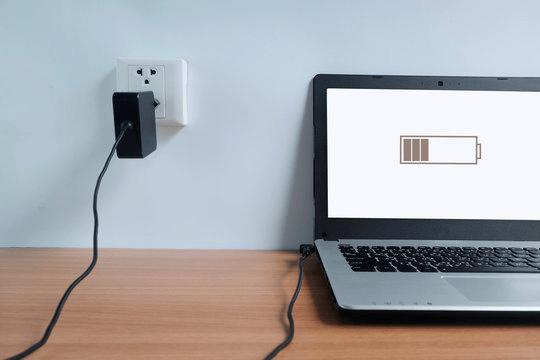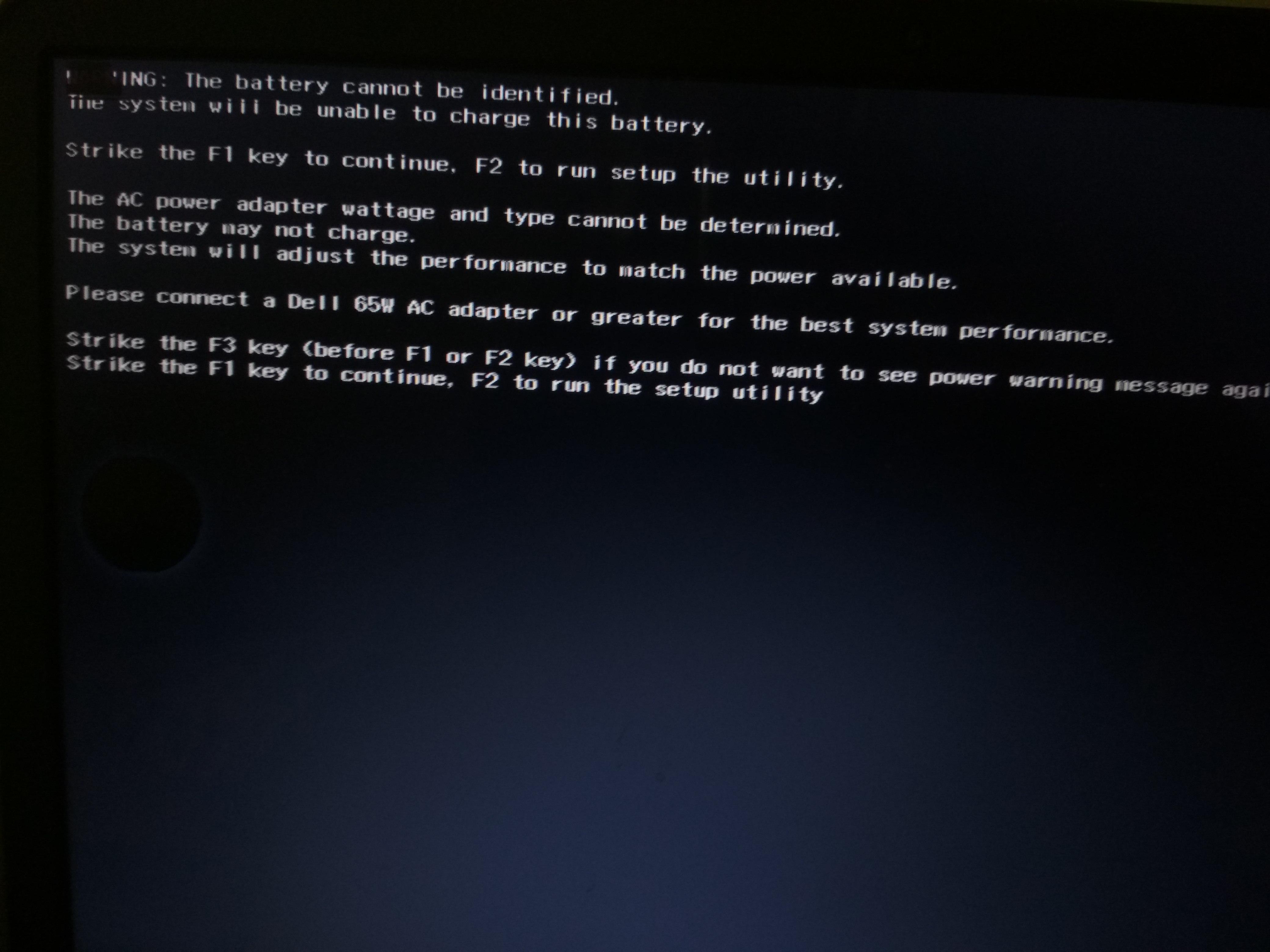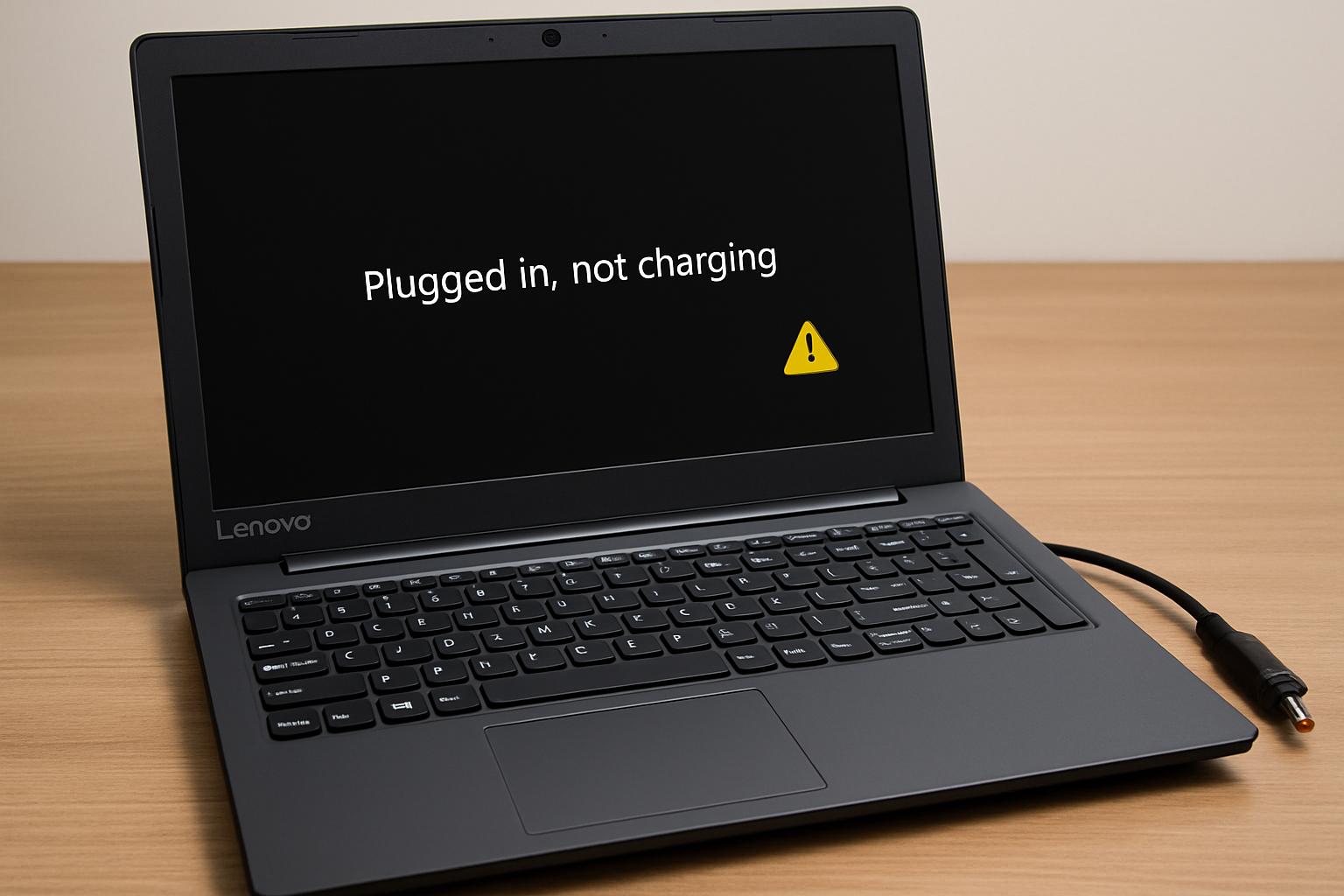
If your HP laptop is charging very slowly or taking several hours to fully charge, the issue may be related to the charger, battery health, overheating, background power consumption, or motherboard charging circuitry.
Many users notice their HP laptop charging slow even when the charger is connected properly.
In some cases, the battery percentage increases very slowly, while in others, the laptop may continue losing battery even while plugged in. Charging speed problems usually develop gradually and are often linked to battery wear, insufficient charger wattage, or thermal management issues.
At IndiRepair, slow charging is one of the most common HP laptop problems we diagnose, especially in Pavilion, Victus, and older ProBook series laptops. In many cases, users initially assume the battery has failed, but the actual issue may involve low charger wattage, overheating, charging port instability, or motherboard charging IC problems. Proper diagnosis helps avoid unnecessary battery replacement costs.
Why Is My HP Laptop Charging Slow?
Your HP laptop may charge slowly due to low charger wattage, battery wear, overheating, background power consumption, or motherboard charging issues. Using the original HP charger and checking battery health can often improve charging speed.
1.Using a Low Wattage Charger

One of the most common causes of slow charging is using an adapter with lower wattage than the laptop requires.
HP laptops are designed to charge efficiently only when they receive sufficient power from the chargers. If the adapter cannot provide enough wattage, the laptop may charge extremely slowly, losing battery during usage.
Using the original HP charger usually provides the best charging performance.
2. Battery Health Degradation
Laptop batteries naturally lose efficiency over time.
As lithium-ion batteries age, they develop higher internal resistance, making charging slower and less efficient. Older batteries may also heat up more during charging, which further reduces charging speed.
If your HP laptop charging slow issue has gradually worsened over time, battery wear may be the cause
3. Background Apps Consuming too Much Power
Heavy applications running in the background can consume power faster than the charger can replenish it.
This often happens while gaming, video editing, multitasking or using performance-intensive software.
In such situations, the battery percentage may increase very slowly or even continue dropping while plugged in.
4. Faulty Charging Cable or Adapter
A damaged charger cable or an unstable adapter can interrupt proper power delivery.
Common signs include:
a. Charging starting and stopping randomly
b. Charger heating excessively
c. Loose charger connection
d. Inconsistent charging speed
Even minor internal cable damage can reduce charging efficiency significantly.
5. Motherboard Charging Circuit Issues
In more advanced cases, slow charging may be caused by motherboard-level problems.
Charging ICs and power delivery circuits regulate how power flows from the charger to the battery. If these components become unstable, the laptop may charge inconsistently or very slowly
Motherboard charging problems are more likely if the laptop experiences liquid damage, overheating or electrical surges.
How to Fix Slow Charging on an HP Laptop
Before replacing the battery or charger, there are several troubleshooting steps you can try safely.
1. Use the Original HP Charger
Always use the correct HP charger with the recommended wattage for your laptop model
Low-quality or low-power adapters are one of the biggest reasons behind HP laptop slow charging problems.
2. Reduce Background Applications
Close unnecessary applications and browser tabs while charging.
High-performance tasks consume significant power and may slow down charging speed.
3. Keep The Laptop Cool

Make sure the laptop vents are not blocked during charging.
Using the laptop on beds, cushions, or soft surfaces can trap heat and reduce charging efficiency.
Cleaning the cooling system may also help improve thermal performance.
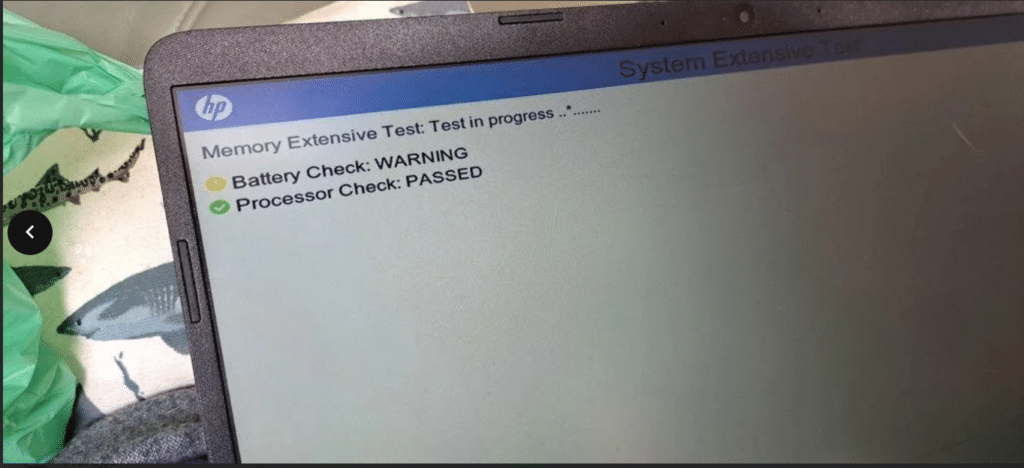
4. Check Battery Health

HP laptops include built-in battery diagnostics that can help identify battery wear or charging problems.
Steps:
a. Shut down your HP laptop completely.
- Connect the charger to the laptop.
- Turn on the laptop and immediately press the Esc key repeatedly.
- From the Startup Menu, press F2 to open HP Hardware Diagnostics.
- Select Component Tests from the menu.
- Click on Power and then select Battery.
- Start the battery test and wait for the diagnosis to complete.
- Review the battery health results shown on the screen.
- Check for warnings like “Replace Battery,” “Weak Battery,” or “Battery Failure.”
- If the battery test fails, the battery may need calibration, or replacement.
5. Update Battery Drivers
Outdated drivers can sometimes affect charging behavior.
Steps:
a. Right-click on the Start Menu and open Device Manager.
b.Expand the Batteries section from the list.
c. Right-click on Microsoft AC Adapter and click Update Driver.
d.Select Search automatically for drivers.
e.Repeat the same process for Microsoft ACPI-Compliant Control Method Battery.
f.Once the update is complete, restart the laptop.
g.After restarting, reconnect the charger and check if the laptop charges properly.
h.If the issue continues, go back to Device Manager.
i.Right-click both battery drivers again and select Uninstall Device.
j. Restart the laptop once more so Windows automatically reinstalls the battery drivers.
When Does Slow Charging Mean the Battery Needs Replacement?
If your HP laptop continues charging slowly even after trying software fixes, testing another charger, and updating battery drivers, the battery itself may be degrading. Laptop batteries naturally lose charging efficiency over time, especially after years of daily charging cycles.
In many cases, slow charging gradually becomes worse before the battery eventually stops holding charge completely. Running an HP battery health test can help confirm whether the battery condition has deteriorated.
How Slow Charging Issues Are Diagnosed at IndiRepair
At IndiRepair, slow charging issues are diagnosed by checking the charger, battery health, charging port, and motherboard power delivery system step by step. Our technicians first test whether the charger is supplying stable power and whether the laptop is receiving the correct charging wattage. The battery is then checked for health degradation, overheating or charging instability.
If the charger and battery appear normal, we inspect the charging port and motherboard charging circuit to identify deeper hardware issues affecting charging speed. This helps us accurately determine whether the issue is caused by the charger, battery, thermal problems or motherboard circuitry before recommending the right repair solution.
Proper diagnosis is important because replacing the battery without identifying underlying charging circuit problems may not solve the issue permanently.
Frequently Asked Questions
Q: Why is my HP laptop charging slow?
A: Your HP laptop may be charging slowly due to battery health degradation, overheating, a low wattage charger, background power consumption, or charging circuit issues. In many cases, using the original HP charger and checking battery health can help improve charging speed.
Q.Can overheating affect HP laptop charging speed?
A.Yes, overheating can slow down HP laptop charging speed. When the laptop temperature becomes too high, the system may reduce charging speed automatically to protect the battery and motherboard from heat damage.
Q. Does charger wattage affect charging speed on HP laptops?
A. Yes, using a charger with lower wattage than recommended can reduce charging speed significantly. In some cases, the battery may continue draining even while the charger is connected.
Q. Can a bad battery cause slow charging on an HP laptop?
A.Yes, an aging or damaged battery can charge much slower than normal. Older batteries often struggle to receive power efficiently, which can increase charging time and reduce battery backup.
Q. Why does my HP laptop battery drain while charging?
A.Your HP laptop battery may drain while charging if the charger cannot supply enough power for the laptop’s workload. This commonly happens during gaming, video editing, multitasking, or when using an underpowered charger.
Q. How do I improve charging speed on my HP laptop?
A. You can improve HP laptop charging speed by using the original charger, reducing background applications, keeping the laptop cool, updating battery drivers, and checking battery health regularly.
CONCLUSION
If your HP laptop is charging slowly, the issue may be related to the charger, battery health, overheating, software behavior, or motherboard charging circuitry. In many cases, identifying the problem early can help prevent complete battery failure and improve long-term laptop performance.
Understanding why your HP laptop charging slow issue is happening is important because charging performance problems often worsen gradually over time. Proper diagnosis can help determine whether the issue requires simple troubleshooting, battery replacement, or motherboard-level repair.